
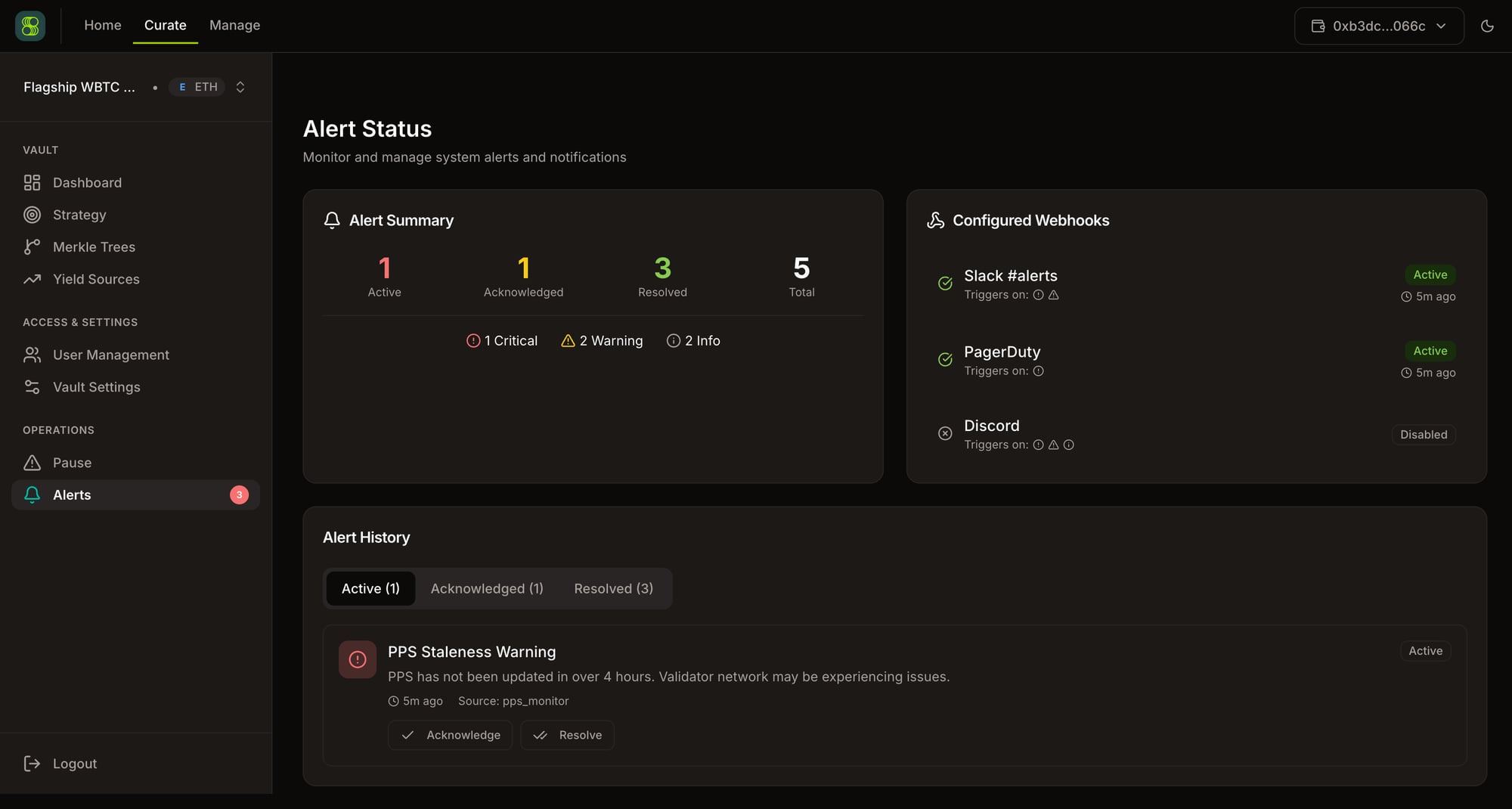
SuperformOS Alerts — notification channels and vault alert routing Alerts connect vault events to notification destinations. The shipped flow centers on notification-channel creation, listing, and vault binding. Treat alert delivery as operational plumbing: channel setup first, event history and routing second.

Notification channels

A notification channel defines where Erebor can send vault events.

Channel endpoints

Operator flow

  1. Create a channel with a clear name.
  2. Bind it to the relevant vault.
  3. Trigger or wait for a low-risk event to confirm delivery.
  4. Keep at least one secondary notification path for high-value vaults.

Events to monitor

Common alert categories include upkeep shortfall, PPS staleness, failed keeper runs, session-key readiness, emergency pause/unpause, emergency liquidity exit arm/stop, merkle publish failures, and repeated OMS execution failures.

Troubleshooting